



eForms: Winter 2026 Release Notes
Article Links
Timeline
When will this be released?
Release Dates:
UAT Preview Window: 01/20/2026
Production Availability: 02/19/26
Is there downtime for this release?
No.
Overview
With this release, eForms is more versatile and efficient. With expanded file support for image uploads and a more intuitive reporting interface, these updates streamline document management and improve oversight for your entire team.
Expanded File Support: JPEG and JPG Uploads
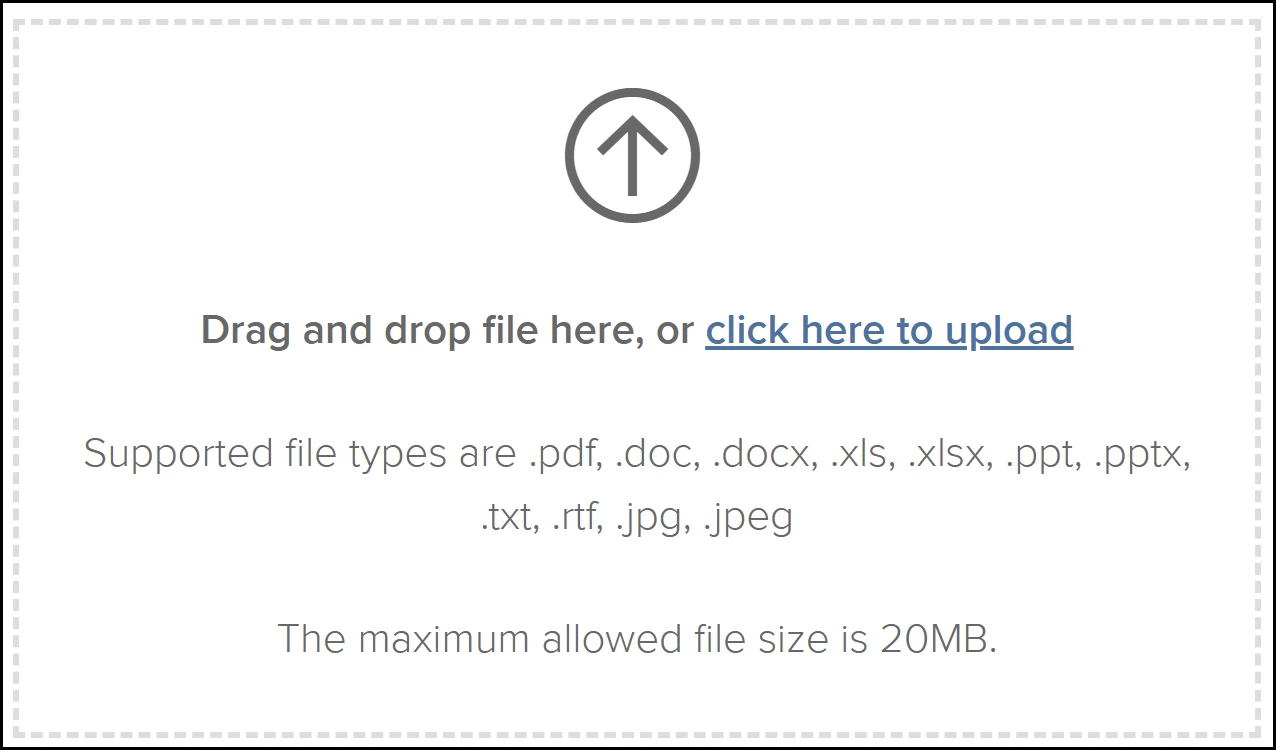
This enhancement expands the types of files you can upload into eForms. You can now upload .jpeg and .jpg files across various modules, providing more flexibility when handling employee documentation and task attachments.
Supported Areas
JPEG and JG uploads are now supported in these areas.
- Bulk Upload.
- Individual employee upload.
- Attachment tasks.
- Task attachments (attachments added within a simple task).
Value
- Increased Flexibility: Offers more options for those who primarily work with image-based documentation.
- Streamlined Workflows: Reduces the need for manual file conversion before uploading to eForms.
Audience
All users.
Enhanced Process Task Status Report
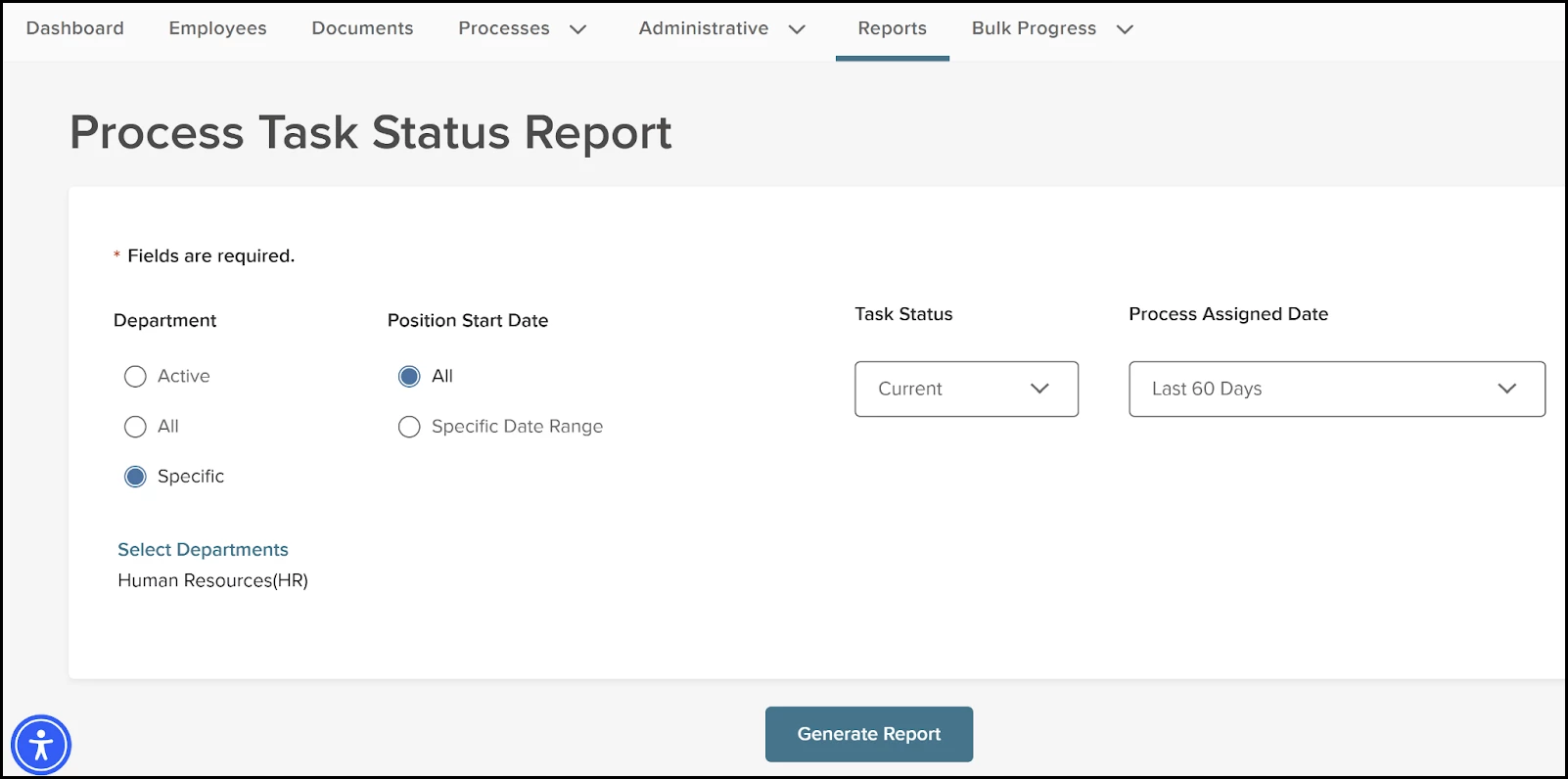
We’ve updated the Process Task Status Report with more efficient default settings and improved filtering. This allows you to run reports more smoothly and focus on active tasks.
- Default Date Range: We’ve changed the default value for the Process Assigned Date from 7 days to 60 days.
- UI Reorganization:
- Process Assigned Date: Moved to the right to accommodate new filters.
- Position Start Date: Moved to the left, next to the Department section.
- Department Selection: When specific departments are selected, they will now consistently appear in the bottom-left corner of the filter area.
- New Task Status Filter: We’ve added the new Task Status filter between the Position Start Date and the Process Assigned Date with the following options.
- Current (Selected by default).
- Pending.
- Completed.
- Canceled.
- Skipped.
- All.
Value
- Improved Performance: By using Current as the default value for tasks and a 60-day window, reports load faster and show the most relevant data immediately.
- Better Usability: A more logical layout of filters helps you find and organize data quickly.
Audience
All users, particularly HR administrators and managers tracking process progress.
Appendix: Bugs Resolved
No additional bug fixes outside of the maintenance releases. Refer to the maintenance release notes for more details.
Related Resources