



Learn Release Notes Feb 10, 2026
Timeline (Large heading)
When will this be released?
Production: Tuesday, February 10, 2026, between 1 am - 2 am (PST)
Is there downtime for this release?
No.
Bulk External Learners via CSV Bug Enhancement
When agencies imported External Learners using the Bulk External Learners CSV template, some imports failed with the error “No position found for department [ADC]”, preventing the creation of external learners even when the department and positions were active.
To ensure the import process is successful and to clearly distinguish department identifiers, we introduced a new Department Code field in the Bulk External Learners CSV template and relabeled the existing Department field to Department Name. With this update, external learner imports now process as expected and successfully create learners when valid department and position information is provided.
Note: After this release, please download and use the most up-to-date Bulk External Learners CSV template before importing External Learner records, as older templates will no longer be supported.
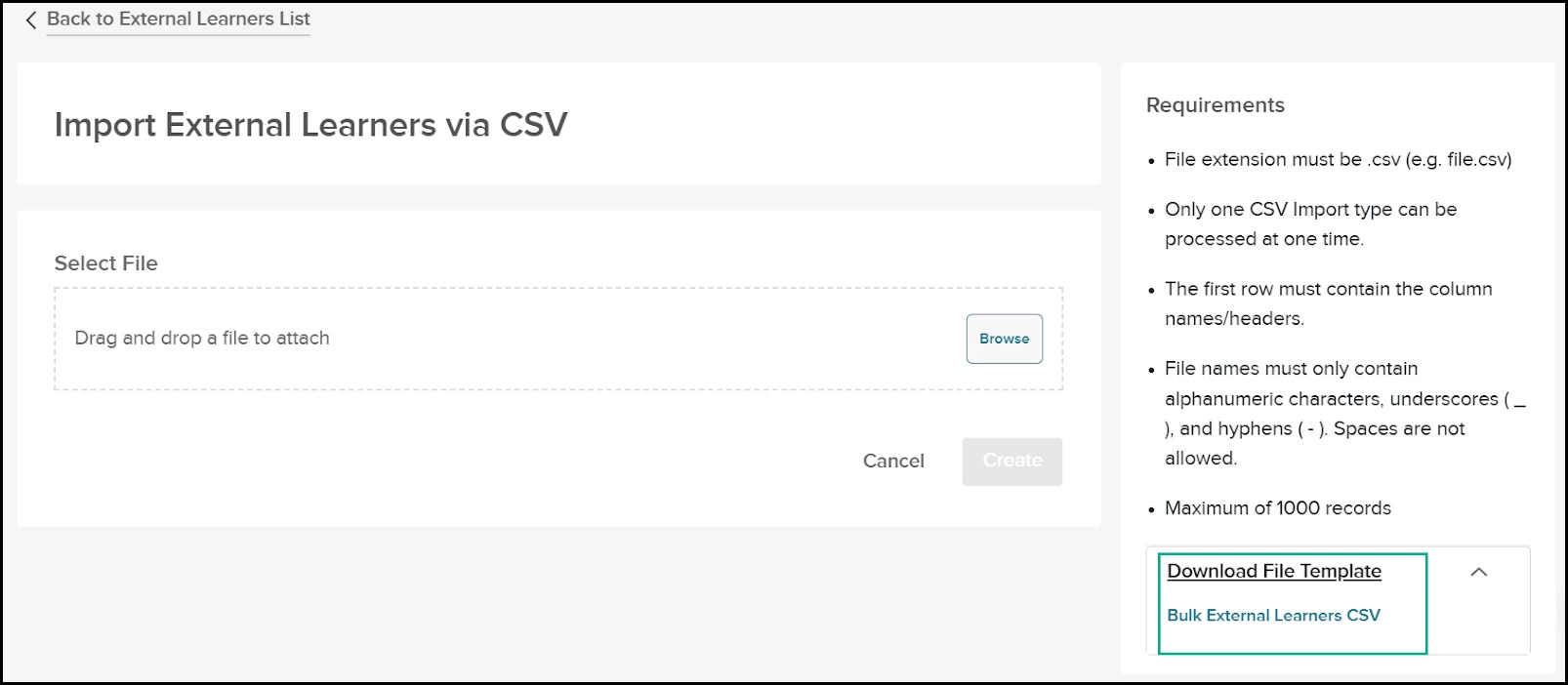
The Learn – Create External Learners in Bulk User Guide has been updated to reflect these changes and is available in the Success Community.
Bugs Resolved (Large heading)
Functional (Small heading)
| Scenario When Issue Encountered | Issue Resolved |
|---|---|
| When an admin tried to create a new classroom session for an existing course using a location that appeared to be available, Learn displayed a Location is not available error and prevented the class from being saved, even though no other classes were scheduled at that location for the same date and time. This issue made it difficult for admins to schedule new classes in Learn. | The location availability check has been updated so that it no longer considers deleted courses/sessions when determining if a location is in use. With this change, locations associated only with deleted classes are now treated as available. Admins can successfully create and save new classes at those locations without receiving the incorrect “Location is not available” error. |
| When agencies used Onboard checklists with training tasks and Timing & Visibility enabled, some employees saw the training task on their checklist but were not enrolled in the linked Learn course. Selecting the course could display a “Course is not Attainable” error, and the checklist task was eventually cancelled instead of completing enrollment, preventing the required training from appearing in the learner’s Learn account. | This issue has been resolved. Training tasks on Onboard checklists with Timing & Visibility enabled now reliably enroll employees in Learn courses, even when multiple background enrollment processes are running, and checklist tasks remain active and no longer cancel due to enrollment failures. |
| When agencies attempted to add an external learner using an external user number already used by another agency, Learn displayed a “Number is already in use” error and blocked the learner from being added, even though the number was duplicated only across agencies, not within the same agency. | This has been resolved so that the external user number for external learners is now enforced as unique per employer/agency, allowing agencies to add or import external learners successfully as long as the employee number is not duplicated within their own agency. |
| Admins editing Custom Online courses could encounter a Server 500 error when attempting to delete an audio recording from a slide, especially when the same audio file was used across multiple course versions, which prevented the audio from being removed. | This has been resolved, so audio recordings can now be deleted successfully without error, even when they are referenced in multiple versions of the course. |
508(C) Compliance (Small heading)
| Screen(s) | Count of Bugs Resolved |
|---|---|
| Unified > My Profile | 1 |