



Your PowerDMS Login and Navigation look and feel will be changing on August 20, 2026.
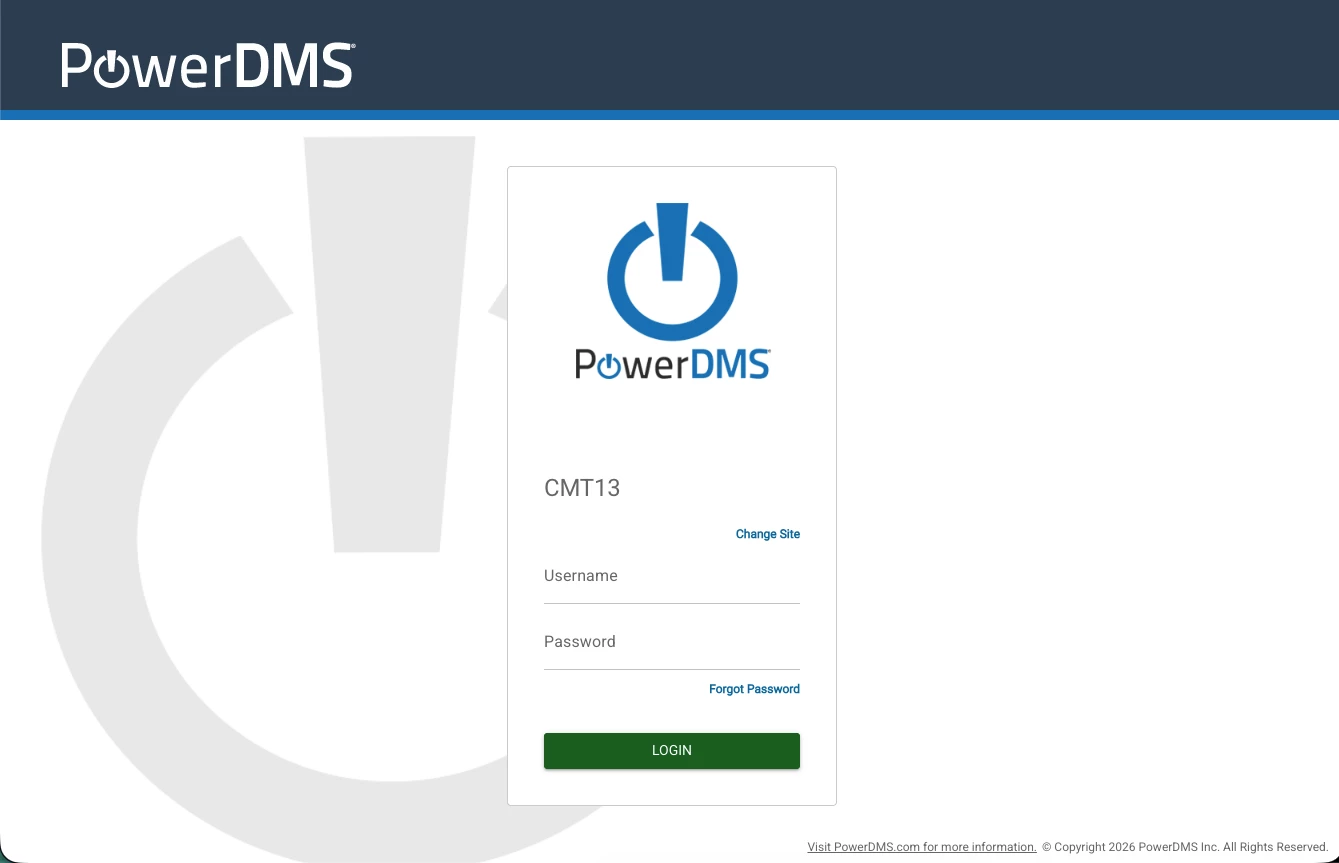
On August 20, 2026, the PowerDMS login page will feature a refreshed, modern layout. The login box will move from the right side of the screen to the center; your credentials and Sitekey process will remain unchanged.
Additionally, the PowerDMS top and side navigation background color will change from dark blue, to white. The navigation items in the top navigation area will also change slightly.
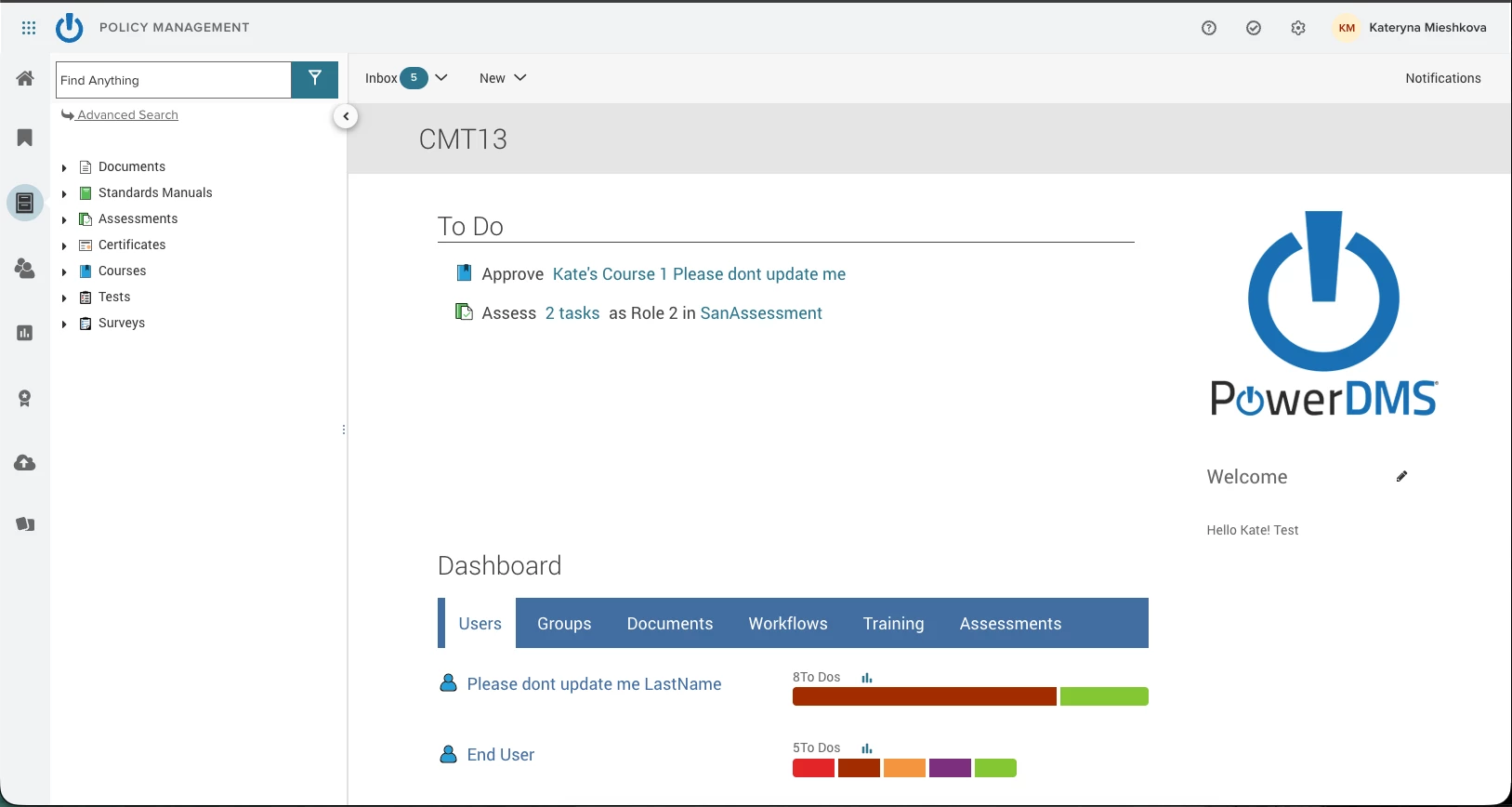
- The ‘Help’ option will be replaced with the ‘?’ icon in the upper right.
- Notifications will also be on the right side of the screen.
- The ‘Administration Menu’ will move out from your Avatar Menu, and be accessed from the gear icon in the upper right side of the top navigation.
These updates align PowerDMS with the unified Neogov navigation system.
To enhance security aligned with industry best practices, we are introducing a 20-minute inactivity timeout. For your protection, you will be required to re-authenticate if the system is left idle for more than 20 minutes.
Current Platform Customers:
If you are already on the NeoGov Platform system, then you likely have a login screen where you login fields are to the left side of the screen, and you already see the white background on the top navigation and side menus. This change will not impact you, not will you see any change in your experience.